Garage door sensors that are out of alignment will stop your door from closing. You'll notice the opener lights blinking and the door reversing every time you try to close it. The fix is usually simple—loosen the sensor brackets, adjust them until both LED lights are solid, then tighten everything back up. If you can't get the lights to stay solid, there may be a bigger problem.
TL;DR – Why Your Garage Door Sensors Won't Align:
- Sensors knocked out of position – Got bumped by car, bike, or debris
- Loose mounting brackets – Vibration over time causes shifting
- Dirty sensor lenses – Dust and cobwebs blocking the beam
- Damaged wiring – Frayed or disconnected wires behind sensor
- Faulty sensor unit – LED won't light up at all
- Sunlight interference – Bright light hitting the receiving sensor
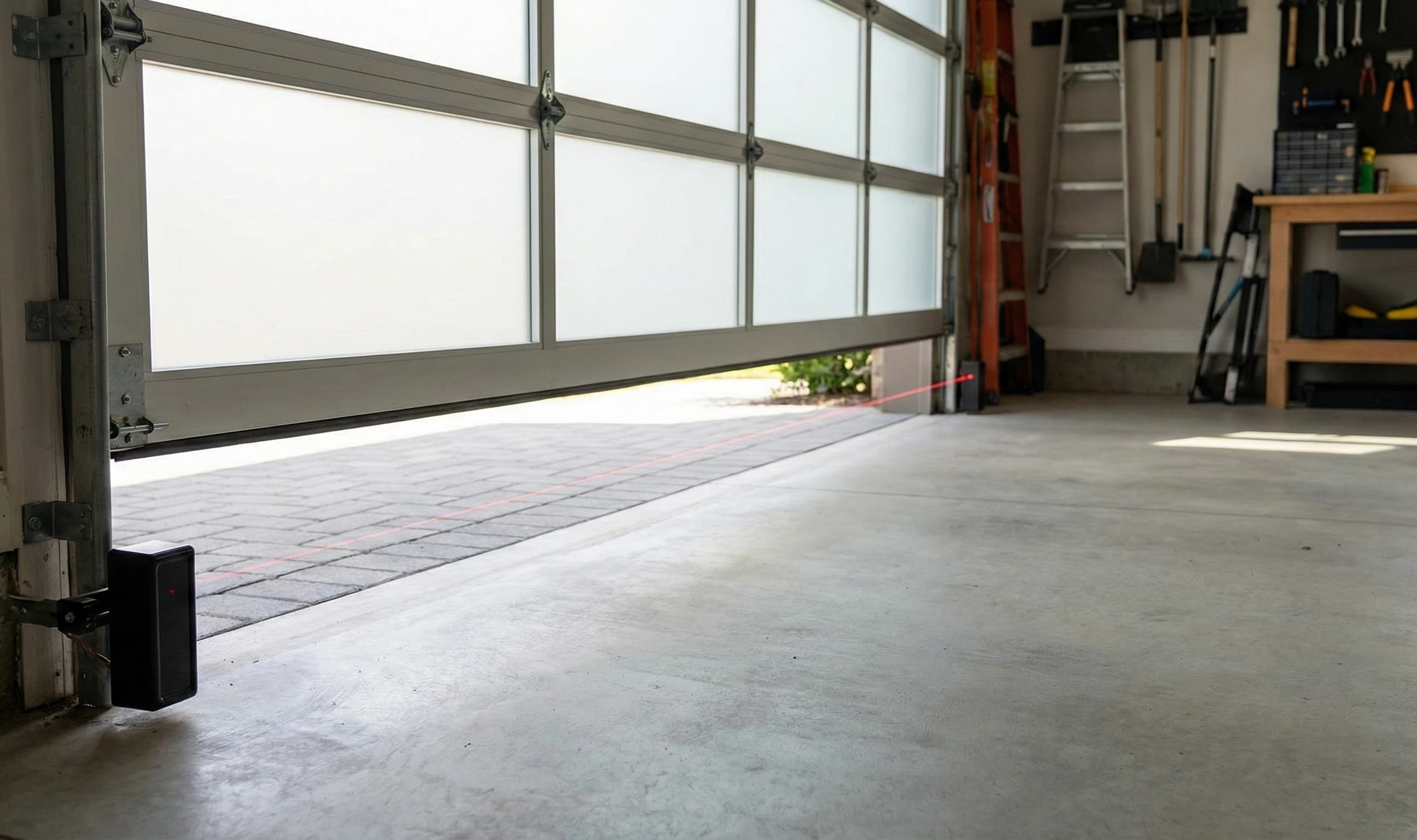
Most Houston homeowners deal with sensor problems at some point. These small safety devices sit at the bottom of your garage door tracks, about six inches off the ground. They send an invisible beam across the doorway to detect anything in the path of a closing door. When they get knocked around or go bad, your door basically won't close using the remote or wall button.
Understanding Garage Door Safety Sensors
Safety sensors became mandatory on all garage door openers in 1993. One sensor sends an infrared beam and the other receives it. When something breaks the beam, the door stops and reverses.
How They Work
- One sensor has a green LED (sending unit)
- The other has an amber or red LED (receiving unit)
- Both lights should be solid when properly aligned
- A blinking light means the sensors can't "see" each other
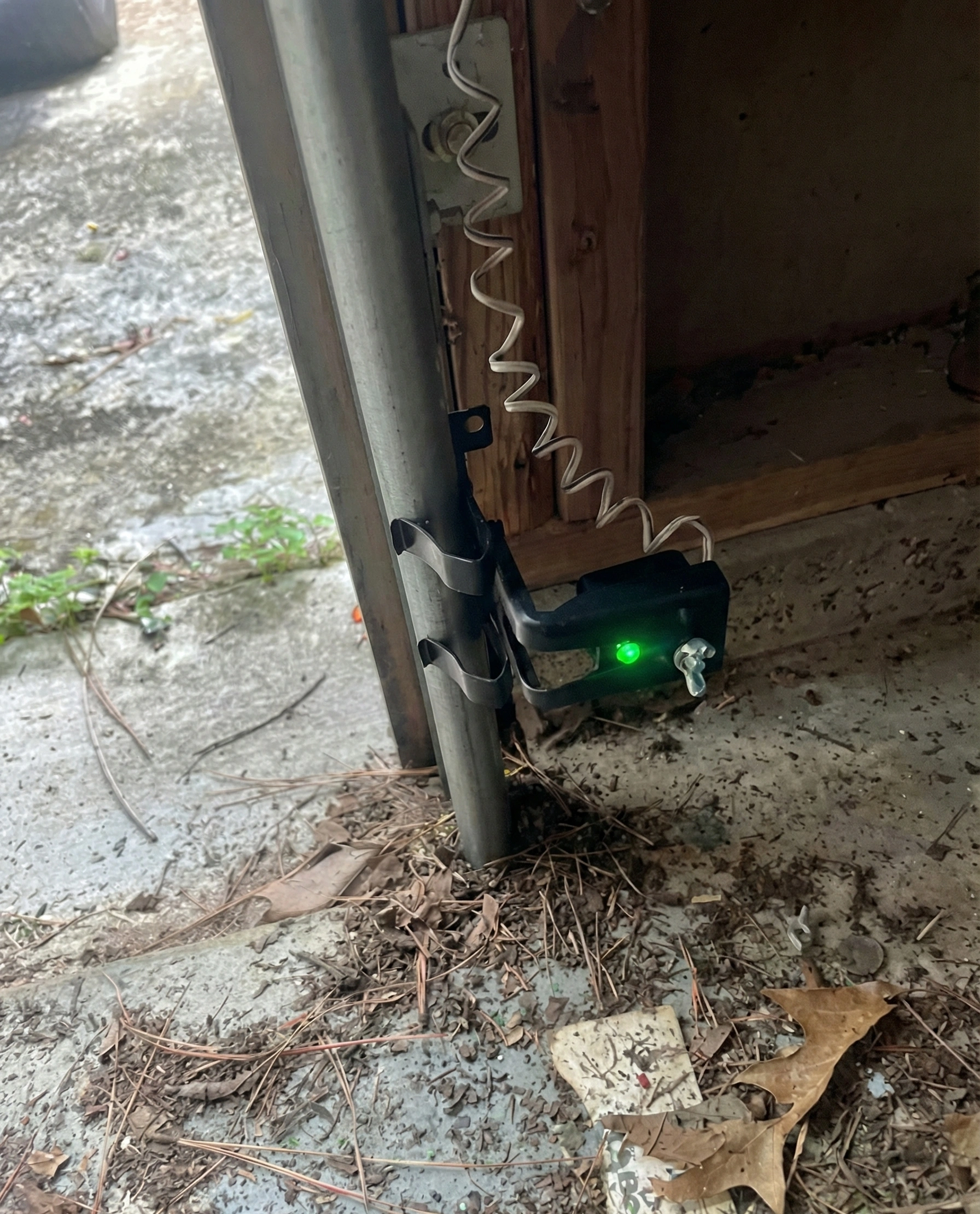
The sensors mount on the inside of the door tracks near the floor. Most are held in place with wing nuts or small bolts.
Steps to Align Garage Door Sensors
Before you start, grab a clean cloth and tape measure. The process takes about 10 minutes.
- Check power and wiring – Make sure both sensors are plugged in and wires aren't damaged
- Clean the sensor lenses – Use a soft cloth to wipe dust and debris from both sensor lenses
- Inspect for damage – Look for cracks or obvious damage to the sensor housing
- Clear the path – Remove any objects blocking the beam between sensors
- Loosen the bracket – Use a wrench to loosen the wing nut or bracket screw on the blinking sensor (don't remove completely)
- Adjust the sensor position – Slowly move the sensor up, down, or side to side while watching the LED light
- Lock in the alignment – When the light goes solid, hold the sensor steady and tighten the bracket
- Test the door – Close and open the door a few times, then wave a broom handle through the sensor path to verify it stops
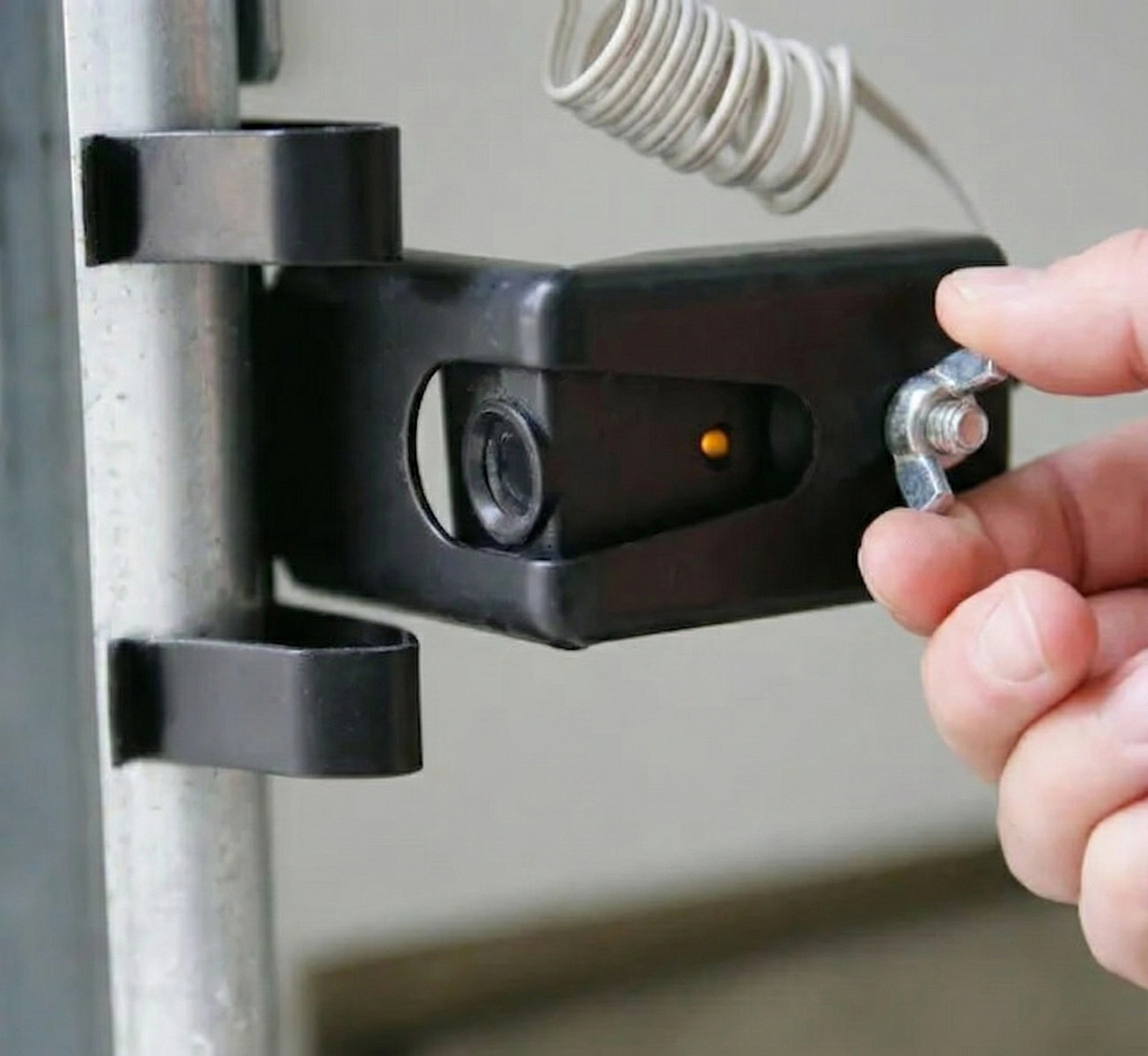
If both lights are blinking, start with the sending unit (green light) first. Get that one solid, then adjust the receiving unit.
Common Problems That Look Like Alignment Issues
Sometimes the sensors seem misaligned but something else is going on. If you've tried aligning and the problem persists, you may need professional garage door repair.
Wiring Problems
Wires running along the track can get pinched, cut, or pulled loose. Check the entire length from the sensor to the opener for bare spots or loose connections.
Sun Glare Interference
The receiving sensor can get confused by direct sunlight. This usually happens in the afternoon when the sun is at a certain angle. A small shade over the sensor can fix this.
Moisture and Corrosion
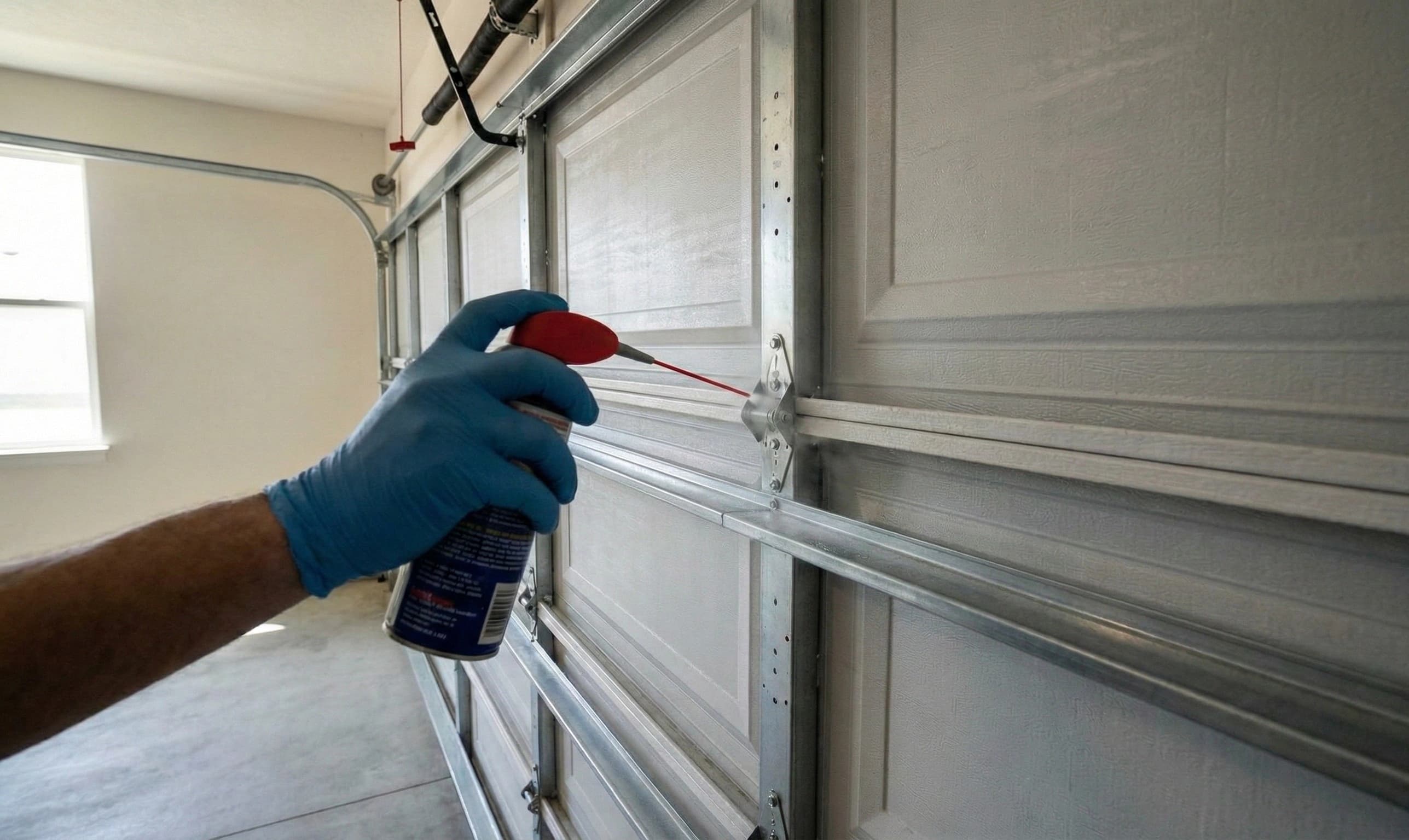
The coastal humidity in the Houston area causes corrosion on electrical connections. If the sensor terminals look green or crusty, that could be your problem. Regular garage door maintenance can help prevent this.
When to Call a Professional
Some sensor problems are easy DIY fixes. Others need a trained technician with the right tools and parts.
Signs You Need Help
- Sensors won't respond no matter how you adjust them
- LED lights won't turn on at all
- Wires are badly damaged or connections are corroded
- Door still won't close after sensors show solid lights
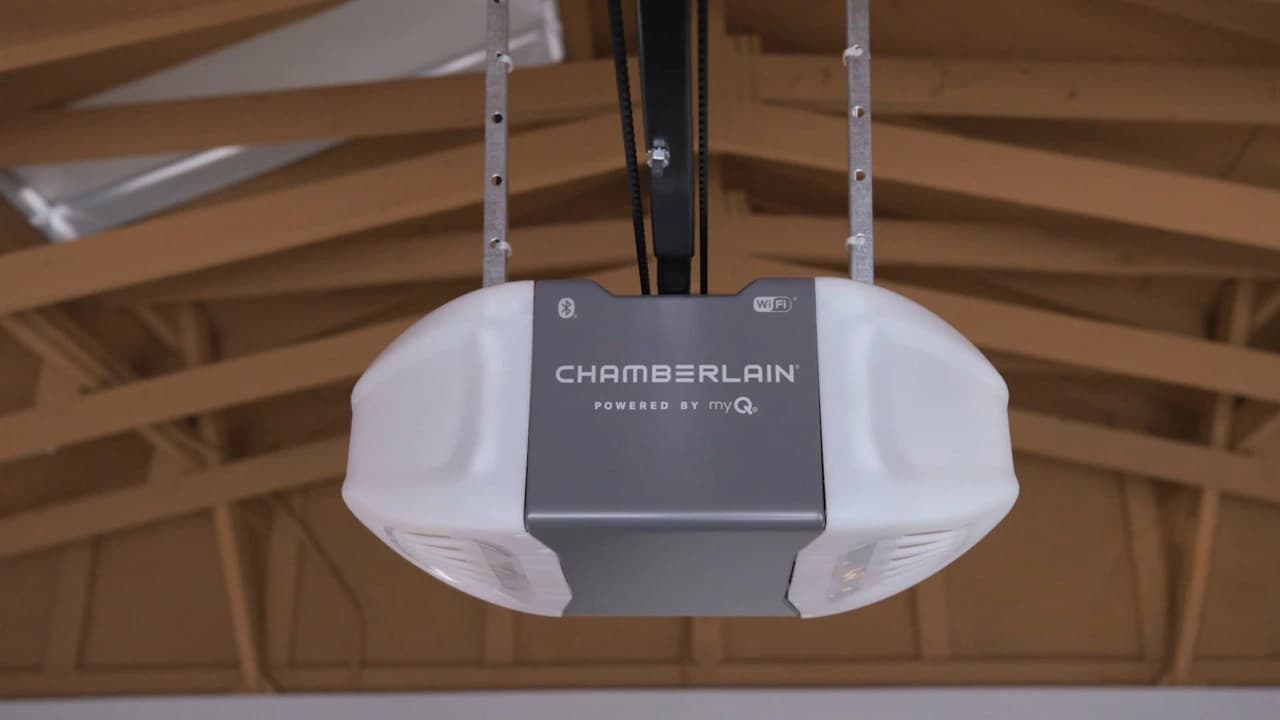
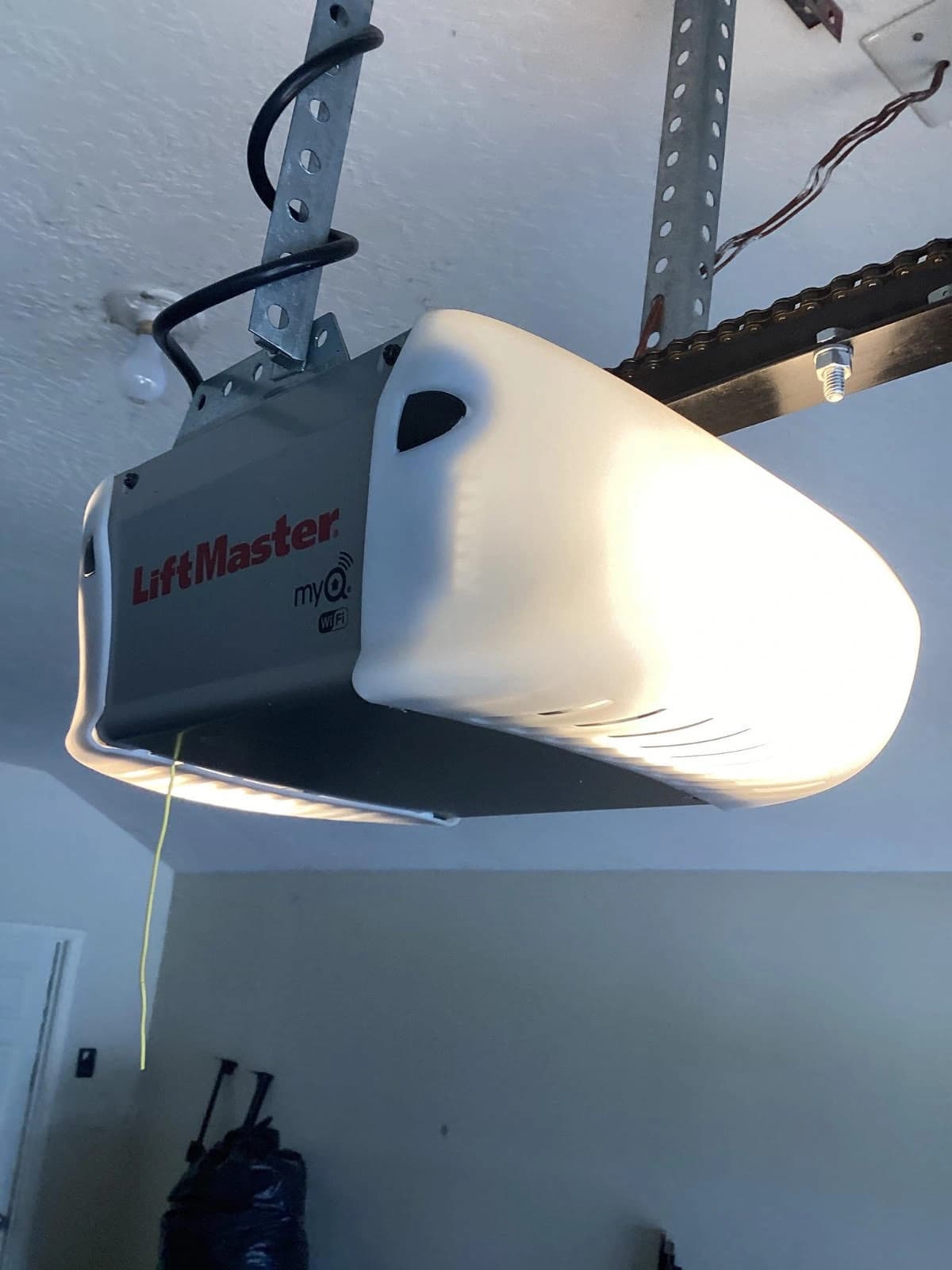
If you're in the Houston area and have tried everything but the door still won't work, there might be an issue with the garage door opener logic board that needs professional diagnosis.
Get Your Garage Door Working Again
Ingenious Garage Door helps homeowners fix sensor problems and all types of garage door issues throughout Houston. Our technicians carry common sensor replacements and can usually fix the problem in one visit.
Call us today for fast, professional service: (713) 324-8950
Same-Day Service Available. We serve Houston, Katy, Sugar Land, The Woodlands, Cypress, Pearland, Missouri City, and surrounding areas.
Frequently Asked Questions
Why is one sensor light green and one amber?
The colors show which sensor does what. Green is the sending unit that creates the beam. Amber is the receiving unit. Both need to work together for the safety system to function.
Can I bypass my garage door sensors?
You can hold down the wall button to close the door, but we don't recommend disconnecting the sensors permanently. They're a critical safety feature that prevents injuries.
How often do garage door sensors go bad?
Sensors usually last 10-15 years with normal use. They can fail sooner if they get hit frequently or exposed to moisture. Most problems are alignment or wiring issues rather than total sensor failure.
Do both sensor lights need to be on?
Yes, both LEDs should show a solid light when aligned correctly. If either light is off or blinking, the safety circuit is broken and the door won't close normally.
Why do my sensors keep going out of alignment?
Repeated misalignment usually means the mounting brackets are loose or the sensors get bumped regularly. Tightening the brackets fully can solve ongoing alignment problems.
Will any replacement sensor work with my opener?
Not always. Sensors from the same brand as your opener are the safest choice. Universal sensors work with most openers but compatibility varies.